

Choosing the best laptop for college students in 2026 is less about buying the fastest machine and more about buying the one you will still love in your final year. The right student laptop survives a full day of lectures, weighs little enough to carry across campus, and runs the software your course actually requires — without draining your budget.
This guide compares seven real, current laptops across every budget, from a sub-$300 Windows machine to Apple's fanless favourite. Every pick below has 16GB of memory in its recommended configuration, because in 2026 that is the floor for smooth multitasking — browser tabs, video calls and an essay open at the same time.
Price note: prices below are approximate US prices and change often, especially around Black Friday and back-to-school sales. Check the live price button before you buy, and always confirm the exact configuration — brands sell very different machines under the same model name.
What to prioritise in a student laptop
- Battery life first. Aim for a full day of classes without hunting for a socket.
- Weight second. Anything under about 1.4 kg disappears into a backpack; over 1.8 kg gets old fast.
- 16GB of RAM. The single best predictor of whether a laptop still feels fast in year three.
- Course compatibility. Some engineering, architecture and accounting programmes are Windows-only — check before you buy a Mac or Chromebook.
- Screen and keyboard. You will stare at both for thousands of hours; a dim screen or cramped keyboard is a daily tax.
Apple MacBook Air 13-inch (M4) — The default choice
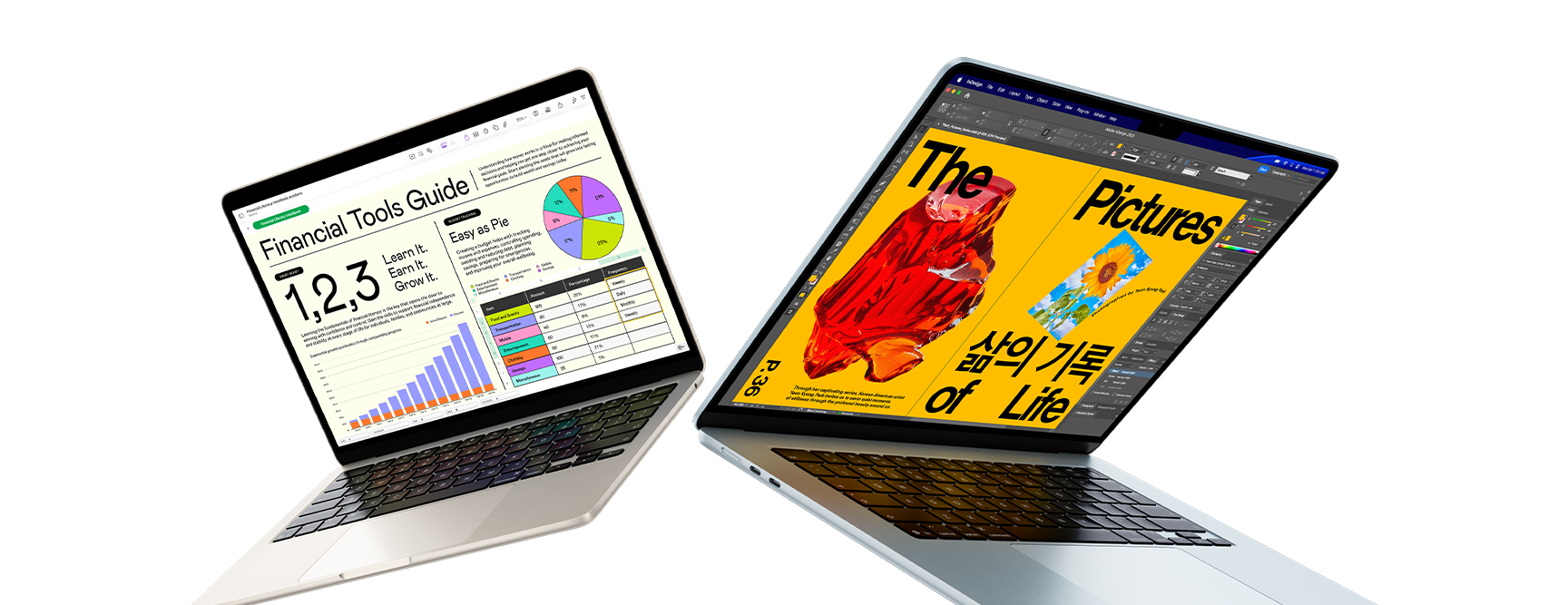
The MacBook Air M4 (released March 2025) remains the safest recommendation for most students: a silent, fanless design, a sharp 13.6-inch Liquid Retina display, 16GB of unified memory as standard, and up to 18 hours of battery life claimed by Apple. It handles writing, research, video calls and light creative work without breaking a sweat, and it holds its resale value better than any Windows rival here.
Best for: most majors, especially business, law, humanities and social sciences — and anyone who already uses an iPhone.
ASUS Zenbook 14 OLED (UM3406) — The best Windows alternative

The Zenbook 14 OLED pairs a vivid 14-inch OLED display — true blacks, 100% DCI-P3 colour — with 16GB of LPDDR5X memory in a 1.2 kg body. It is the Windows pick for students who want a genuinely premium screen for essays, design work and late-night streaming, with full Windows software compatibility that a Mac cannot always match.
Best for: Windows users who care about display quality and portability in equal measure.
Acer Swift Go 14 — The value all-rounder

The Swift Go 14 is the value sweet spot: an Intel Core Ultra (Series 2) processor, OLED display options, a 1.3 kg aluminium-leaning body and a 180-degree lie-flat hinge. It is fast enough for real coursework, light enough for daily carry, and priced fairly for what it delivers.
Best for: students who want a premium-feeling Windows ultrabook without paying flagship money.
HP OmniBook 5 — The battery champion

The OmniBook 5 is built for commuters: a 14-inch 2K OLED touch display, Windows compatibility with built-in AI features, and all-day battery life that HP rates at up to 42 hours of local video playback on its newest 14-inch model. Real-world use will be less than that headline figure, but this is the pick for students who spend long days away from a charger.
Best for: commuters and anyone whose campus day runs from morning lectures to evening study sessions.
Lenovo IdeaPad Slim 5 — The mid-range value pick

The IdeaPad Slim 5 offers the best specs-per-dollar in this guide: a 16GB configuration, a 512GB SSD and a comfortable keyboard at a price well under flagship territory. It is not the lightest or the prettiest machine here, but it is the sensible buy for students who want solid performance and money left over.
Best for: budget-conscious students who still need a full Windows laptop, not a Chromebook.
Lenovo Chromebook Plus 14 — The browser-first laptop
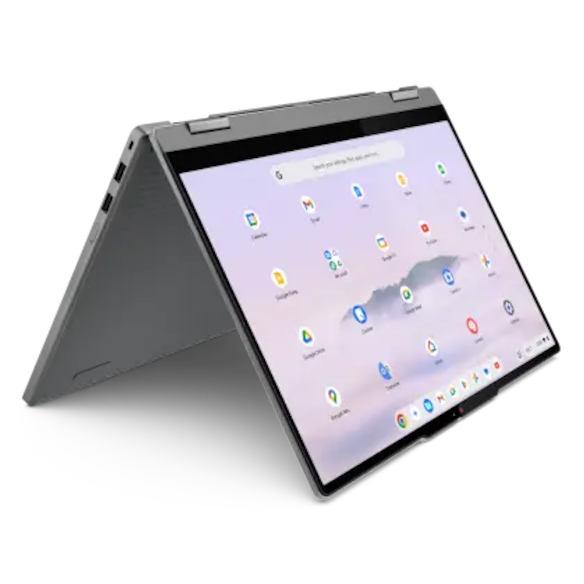
If your coursework lives in a browser — Google Docs, online lectures, web research — the Chromebook Plus 14 covers it for roughly half the price of a Windows ultrabook, with an OLED screen on the recommended configuration. The trade-off is real: no full Windows or Mac desktop apps, so rule it out if your course needs them.
Best for: students whose work is entirely web-based and who want the cheapest genuinely good laptop here.
Acer Aspire Go 15 — The tight-budget pick

The Aspire Go 15 is the cheapest full Windows laptop worth recommending — but only in its 16GB configuration, which roundups price around $280. Cheaper low-memory builds under the same name exist and should be avoided. Buy the right configuration and you get a capable machine for writing, browsing and video calls at textbook money.
Best for: students on the tightest budget who still need Windows.
Quick comparison
| Model | Key strength | Best for |
|---|---|---|
| MacBook Air 13 (M4) | 18h battery, silent, 1.24 kg | Most students |
| Zenbook 14 OLED | Best Windows display | Windows + display lovers |
| Swift Go 14 | Value ultrabook, 1.3 kg | All-round Windows value |
| OmniBook 5 | All-day battery, OLED touch | Commuters |
| IdeaPad Slim 5 | Specs per dollar | Mid-range Windows |
| Chromebook Plus 14 | Cheapest good screen | Browser-only work |
| Aspire Go 15 | Lowest price, 16GB config | Tightest budgets |
Buying tips
- Buy 16GB, not 8GB. It is the cheapest future-proofing you can buy.
- Check the exact configuration. The same model name can hide different RAM, storage and screens.
- Ask about software first. One Windows-only course app can rule out a Mac or Chromebook entirely.
- Try the keyboard in person if you can. Specs never tell you how a keyboard feels after three hours of typing.
FAQ
What is the best laptop for college students in 2026? For most students, the Apple MacBook Air 13 (M4) from $999 — 18-hour battery, 2.7 lbs, silent and fast for almost any coursework. For Windows, the ASUS Zenbook 14 OLED at around $900 is the top alternative.
Is 8GB of RAM enough for a student in 2026? Only for the lightest browser-only use. For a laptop meant to last a full degree, 16GB is the realistic minimum.
Should a student buy a MacBook or a Windows laptop? Buy the one your course software supports. If your course is platform-neutral, buy on battery life, weight and budget — not on brand loyalty.
Final verdict
If you want one safe answer, buy the MacBook Air 13 (M4) if your course allows macOS, or the Zenbook 14 OLED if you need Windows. If money is tight, the IdeaPad Slim 5 and the 16GB Aspire Go 15 prove you do not need to spend four figures to get through a degree. Whichever you choose, buy the 16GB configuration — your final-year self will thank you.
Which one would you pick — and what does your course actually require? Tell us in the comments.
